
- We are happy as part of our standard (no cost) support to bulk upload any contracts and associated data that you provide us. We map the data to your ContractSafe account and upload the data programmatically. We can even setup date reminders for any future termination dates when we do this.
- We also offer our Jump Start service, where we extract the data for you and upload the contracts/data into your account. Here's an article with more details on this service. Jump Start contracts are billed on a per contract basis.
- And you always have the option to add contracts yourself and use our AI tool, [AI]ssistant, to help populate the key information and dates.
Our Customer Success team works with new customers to help them define and execute the plan that will work best for them to get all their existing contracts uploaded and organized. If you don't know how to contact your CSM, please see the below information:
If you are not sure who your designated customer success manager is, you may log in to your account, click on the blue question mark icon and see your CSM under "Contact your CSM"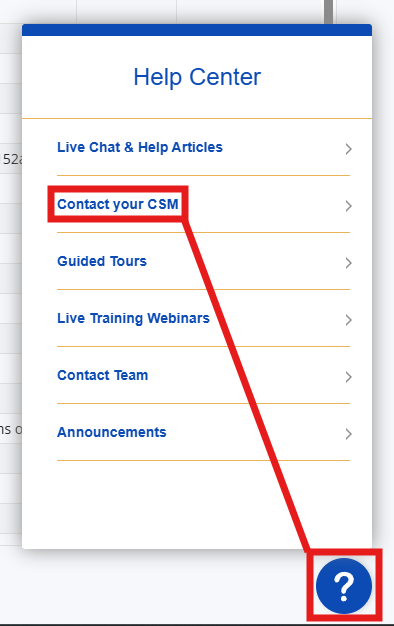
You may also reach out to support@contractsafe.com and a member of our support team will happily connect you with your CSM.